 WebEaze
You may request a billing date change once over the lifetime of your account.
It's based off your original signup date
It isn't reset by:
- Canceling your plan and reactivating later
- Switching between monthly and annual billing
- Changing your plan tier
Once a billing date change has been made, it can't be changed again under any circumstances.
How to request a change
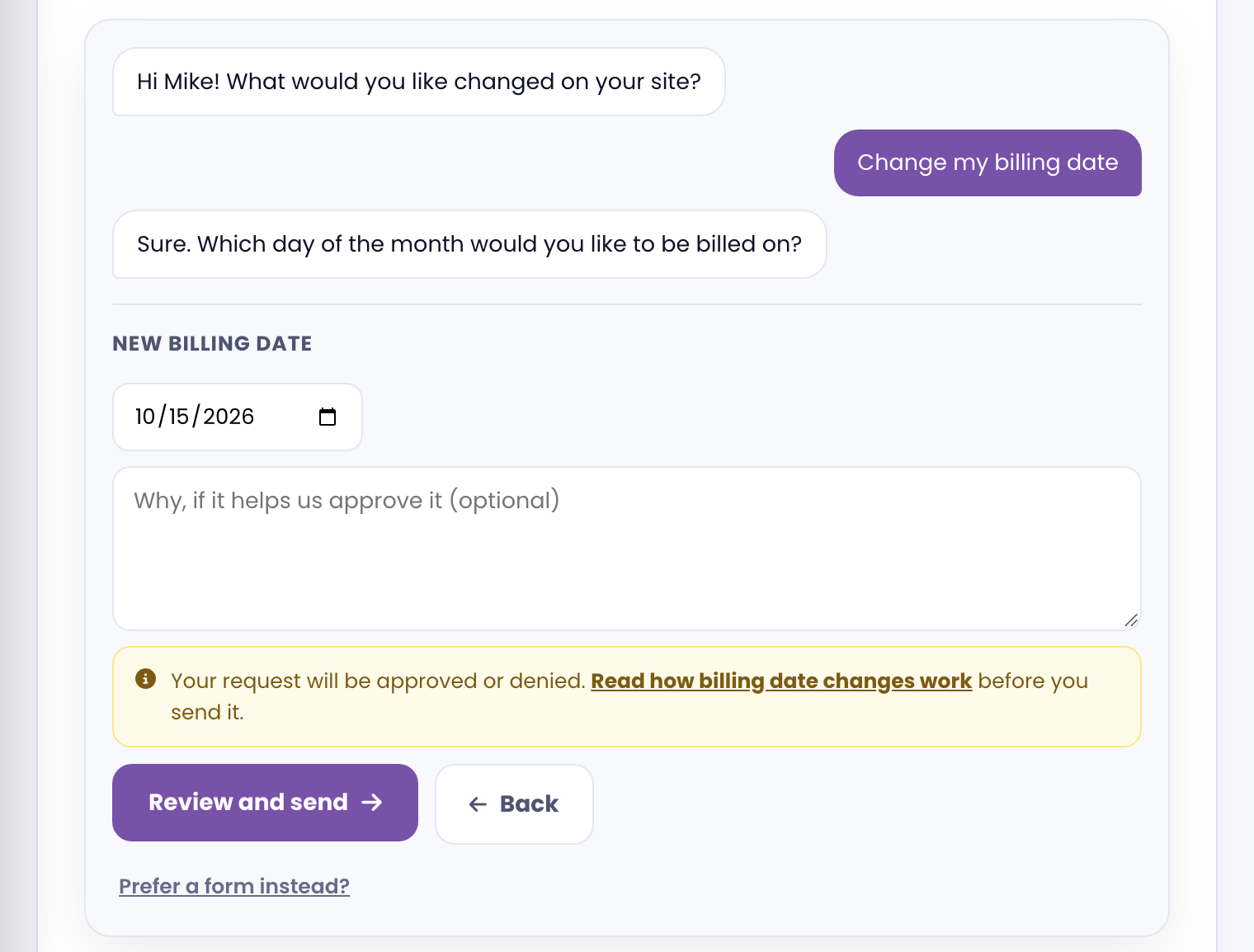
Open your client portal, start a request, and choose Change my billing date. Pick the date you want, add a reason if you think it helps, and send it. We'll reply with an approval or a denial.
Important: Submitting a change doesn't guarantee a specific date. We'll do our best to accommodate, however, billing date adjustments are subject to your current cycle and Stripe's billing system.