 WebEaze
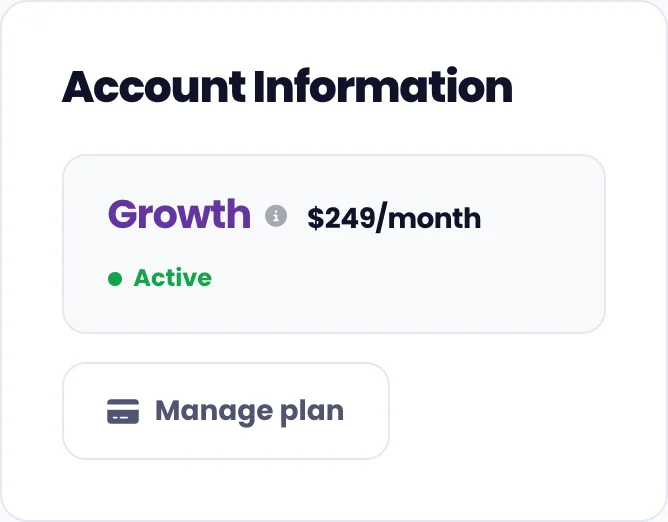
Everything to do with your plan lives in one place. Go to your portal and select Manage plan on the "Your plan" card.
What you'll see
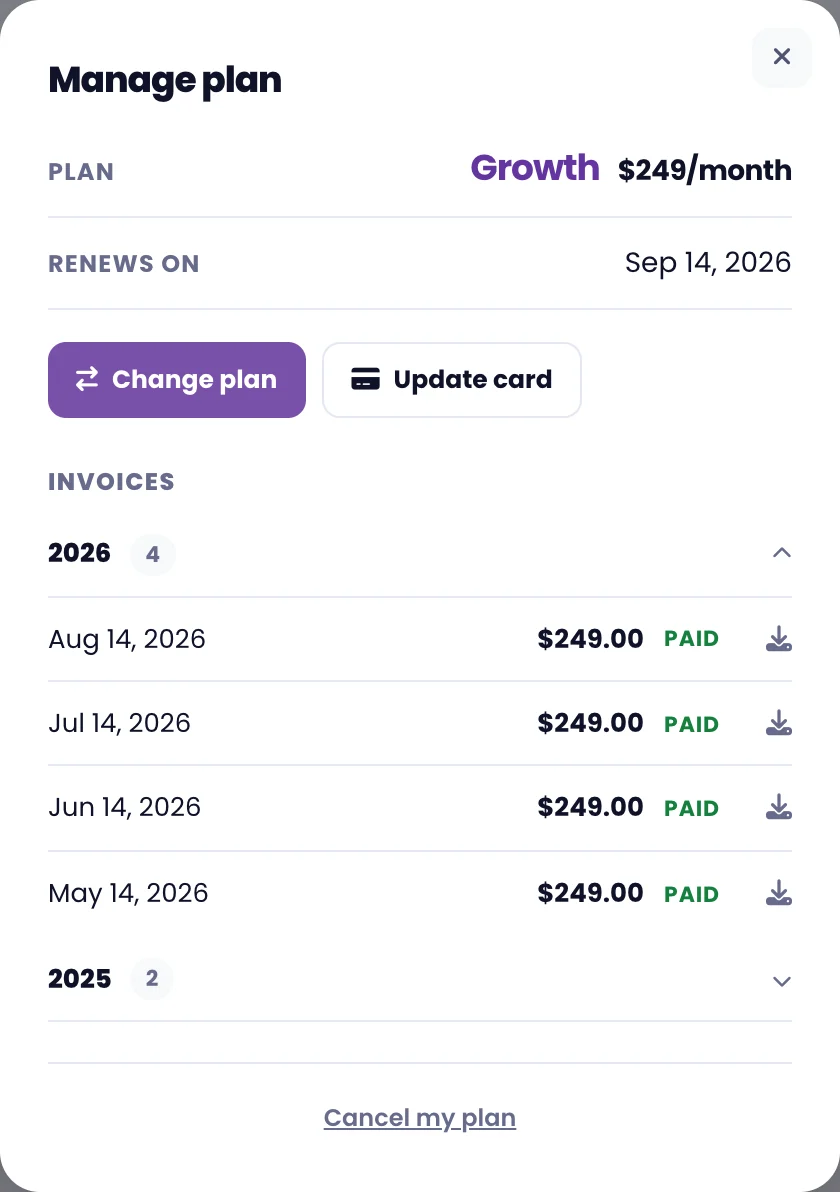
Your current plan and price, when it renews, your page allowance, and every invoice we've ever sent you.
Change your plan
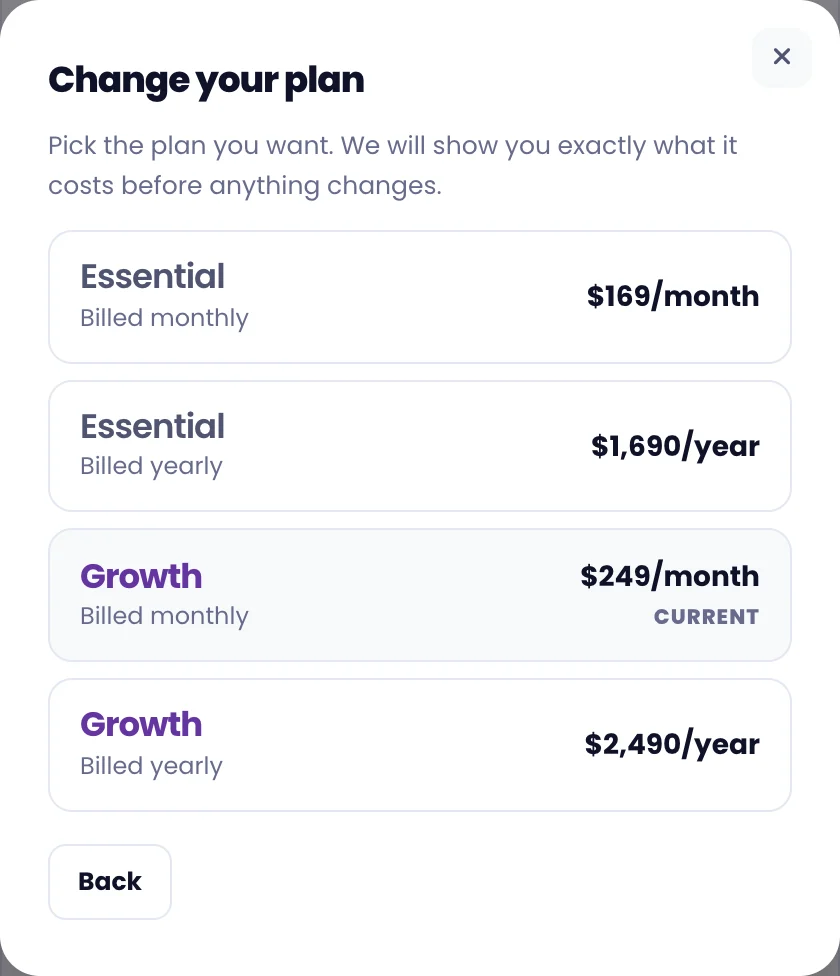
Select Change plan, then pick the plan you want. We'll show you exactly what it costs before anything changes. See Can I change my plan? for how upgrades and downgrades work.
View past invoices
Your invoices are listed under the plan details, grouped by year. This year is open by default. Select any year to expand it, and use the download icon to save an invoice as a PDF for your records.
Update your card
Select Update card. That takes you straight to our payment processor, Stripe, on the page for storing a new card. Your card details are held by Stripe and we never see them.
If a payment fails, you'll see a prompt in your portal with the same button.
Contact us if you no longer have access to your email address or would like to update it.